FAQ

Questions, answered

Short answers about the bot, the app, calendars, payments and your data.

What is Fikca?

Fikca is a Telegram bot plus a web app for group plans. The bot lives in your group chat and turns ideas like "dinner friday?" into date polls, confirmed plans, calendar invites and settled bills; the web app mirrors everything: plans, calendar, people, payments, bookings, on desktop and mobile.

Do my friends need to install anything?

No. Fikca works inside Telegram, which your group already uses. Friends vote and see plans directly in the chat; the web app is optional and any member can open it by logging in with their Telegram account.

How do I log in on a computer?

Open the web app in any browser and sign in with the Telegram Login Widget. Your Fikca account is your Telegram account, so there is no separate password.

Does the bot read everything in my group?

The bot only acts when a message clearly looks like planning (an intent gate of planning verbs and cues), or when you @-mention it or reply to one of its messages. Casual conversation passes through untouched.

How does calendar sync work?

Connect Google Calendar from the Me page and confirmed plans sync to your calendar automatically. Date options can also come from when people are actually free, and the booking page offers slots that fit both calendars.

How do bill splits and PayNow work?

Tell the bot to split a bill ("fikca split $86 five ways") and it tracks who owes what per person and per plan. Save your PayNow ID once, and payment requests render a QR code friends scan to pay you back. Fikca never touches the money itself.

What are reminders and the weekly digest?

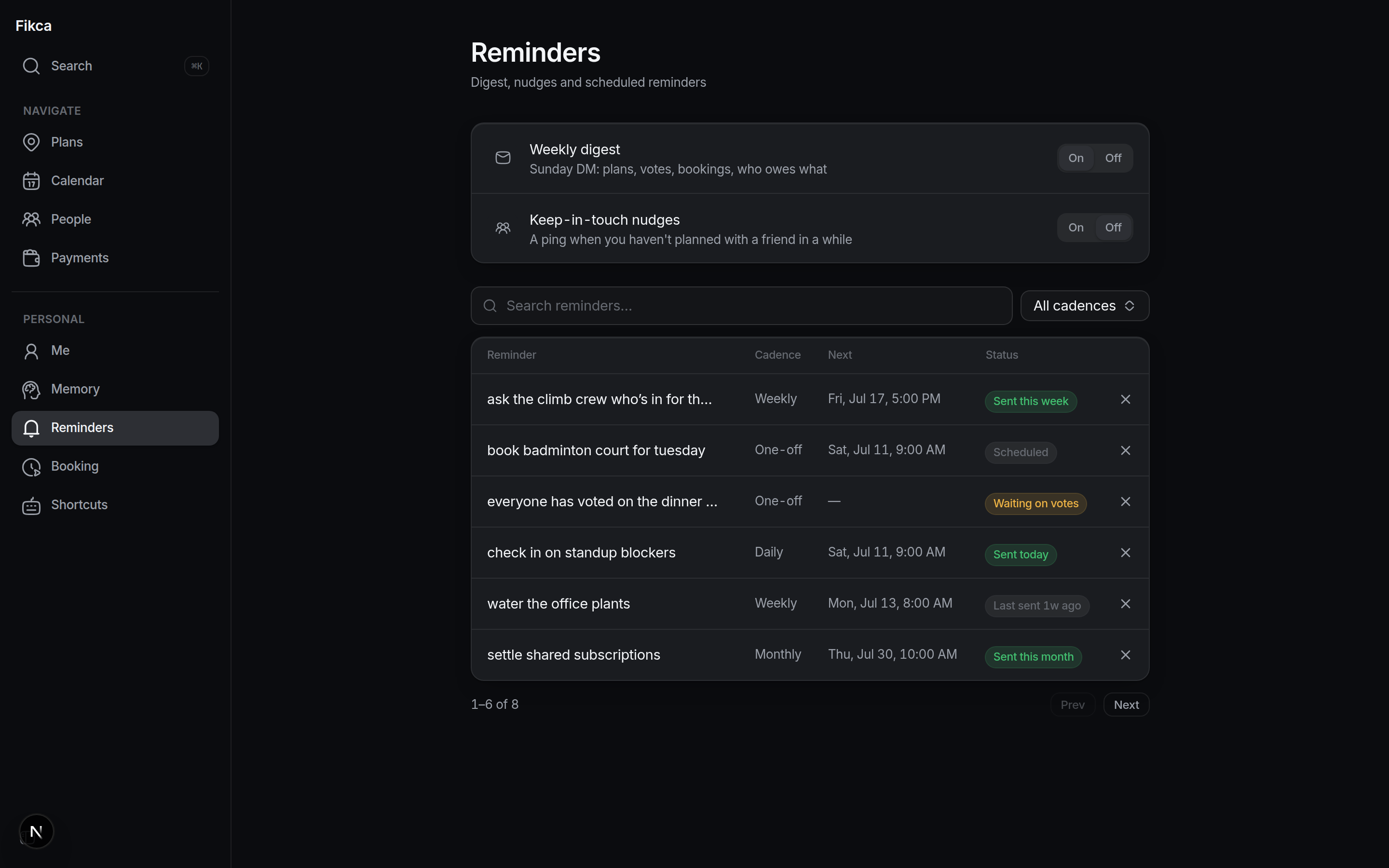
Ask the bot for any reminder in plain language ("remind me to book the court on friday"): one-off or recurring, with snooze buttons when it fires. The optional Sunday digest DMs a summary of your week: plans, votes awaiting you, bookings and unsettled bills. Keep-in-touch nudges ping you when you have not planned anything with a regular friend for a configurable number of weeks.

What is the booking page?

Every user gets a personal Calendly-style page at /book/your-name. Share the link and people grab a time that fits both calendars; approvals, reminders and reschedules are handled for you.

What does Fikca remember about me, and can I delete it?

Fikca keeps a small set of durable facts that make planning smarter: where you are based, what you like, when you are usually free. The Memory page shows every fact, and you can edit or delete any of them at any time.

Can I use Fikca with a keyboard?

Yes. The web app is keyboard-first. Press ⌘K (Ctrl+K on Windows) for the command palette, and assign your own shortcuts to common actions on the Shortcuts page, with macOS and Windows key styles.

Still curious? Just try it.